
DAVID Android Vector Icon Draw1.4 - Google Play
You'll be able to see results in few seconds.
Publisher Description
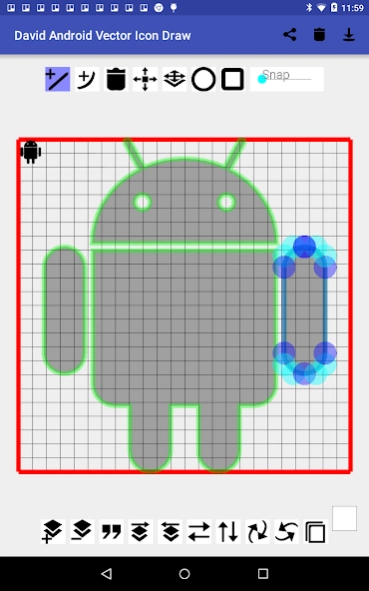
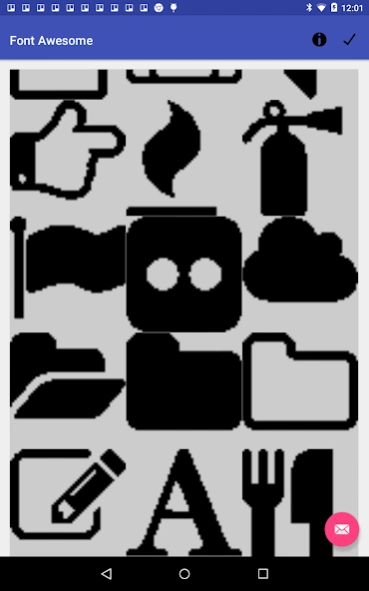
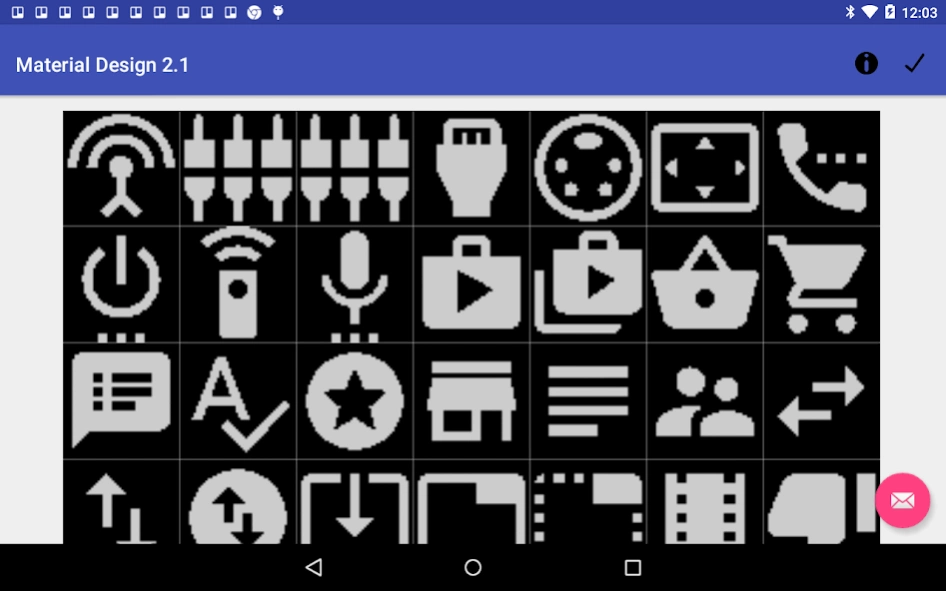
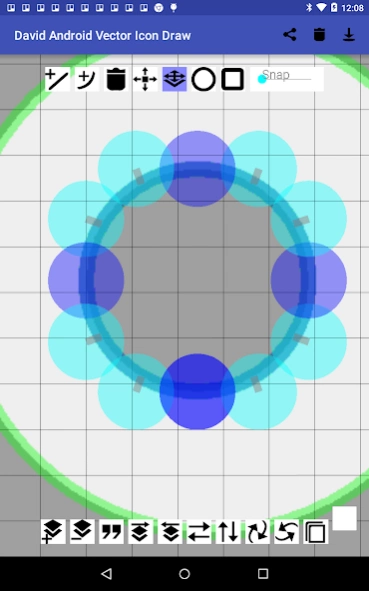
Draw and edit vector icons. Export them in SVG.
David is a vector icon drawing app for your android phone or tablet.
David allows you to create SVG files in black, set in a 24 by 24 grid. These can easily be imported as vector drawables by Android Studio or used as vector icons for other purposes.
Good vector icons should be simple and convey meaning. Icons often do not require a full suite of SVG editing, and while David is quite powerful it's also very specialized towards this vector icons. The only color permitted is black. The grid is icon-sized by default. And the tools are highly directed towards icon creation.
All the icons used in David are themselves designed in David.
David also includes sets of libraries of premade icons, which can be edited and exported. (Check the license for the respective library for terms and conditions of such actions). Or, just make your own.
SVG Library Pages are:
"Font Awesome" https://fortawesome.github.io/Font-Awesome/icons/
"Material Design 2.2",https://www.google.com/design/spec/material-
"IconMoonFree", https://icomoon.io/design/introduction.html
"Entypo+", http://www.entypo.com/
"Entypo+ Social", http://www.entypo.com/
"Themify",http://themify.me/themify-icons
SVG Library implements Pick for "image/svg+xml" providing any app that requests an icon the specific icon from that library. David also catches Send "image/svg+xml" types and also shares this same type.
David is a recursive acronym for: David Android Vector Icon Draw.
About DAVID Android Vector Icon Draw
The company that develops DAVID Android Vector Icon Draw is David Olsen. The latest version released by its developer is 1.4.
To install DAVID Android Vector Icon Draw on your Android device, just click the green Continue To App button above to start the installation process. The app is listed on our website since 2018-11-25 and was downloaded 0 times. We have already checked if the download link is safe, however for your own protection we recommend that you scan the downloaded app with your antivirus. Your antivirus may detect the DAVID Android Vector Icon Draw as malware as malware if the download link to com.photoembroidery.davidandroidvectoricondraw is broken.
How to install DAVID Android Vector Icon Draw on your Android device:
- Click on the Continue To App button on our website. This will redirect you to Google Play.
- Once the DAVID Android Vector Icon Draw is shown in the Google Play listing of your Android device, you can start its download and installation. Tap on the Install button located below the search bar and to the right of the app icon.
- A pop-up window with the permissions required by DAVID Android Vector Icon Draw will be shown. Click on Accept to continue the process.
- DAVID Android Vector Icon Draw will be downloaded onto your device, displaying a progress. Once the download completes, the installation will start and you'll get a notification after the installation is finished.
Program Details
System requirements
Download information
Pricing
Version History
version 1.4
posted on 2018-11-25
Improved Interface.
Added proper layering.
Added multi-layer selection.
Added undo-redo.
version 1.22
posted on 2016-01-03
version 1.22
posted on 2016-01-03
* Broader Send Intent Processing.,* Better Processing of SVG colors (still just ignores them, but won't crash if they are malformed).,* Broader Acceptance of Send Files.,There's two main ways to send files through Data and Extra Stream, the stream method which is taken by Trello and others required better permissions. Whereas it would work with Google Play, now it works with both.
Disclaimer
Official Google Play Link
We do not host DAVID Android Vector Icon Draw on our servers. We did not scan it for viruses, adware, spyware or other type of malware. This app is hosted by Google and passed their terms and conditions to be listed there. We recommend caution when installing it.
The Google Play link for DAVID Android Vector Icon Draw is provided to you by apps112.com without any warranties, representations or guarantees of any kind, so access it at your own risk.
If you have questions regarding this particular app contact the publisher directly. For questions about the functionalities of apps112.com contact us.
